Integration Engine Light

Integration made easy

The AixBOMS Integration Engine Light is a convenient solution for secure data integration into professional infrastructure management. A key feature is its mapping functionality, which is indispensable for a flexible link between different data models in today's management environments. It enables a direct assignment of imported data to database objects in the AixBOMS CMDB. Unlike the simple Workbench solution, which is oriented towards MS Excel, the structures of input and output data no longer need to match strictly for column-based assignment. Instead, the properties and relationships of the data model provide the basis for flexible mapping and are available unchanged with the existing rules and functions.

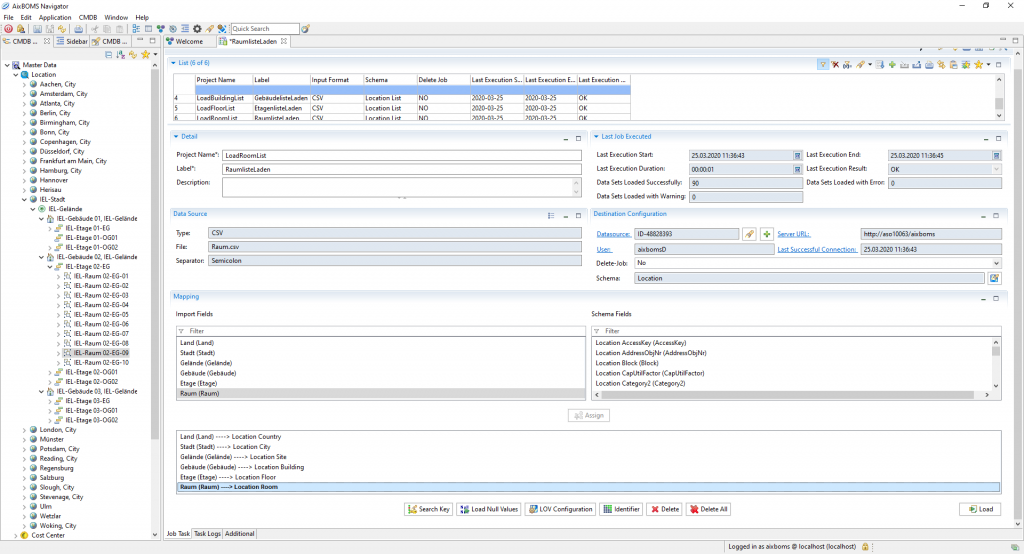
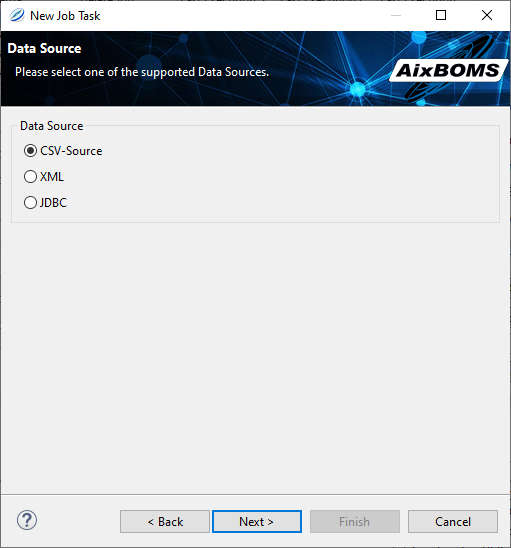
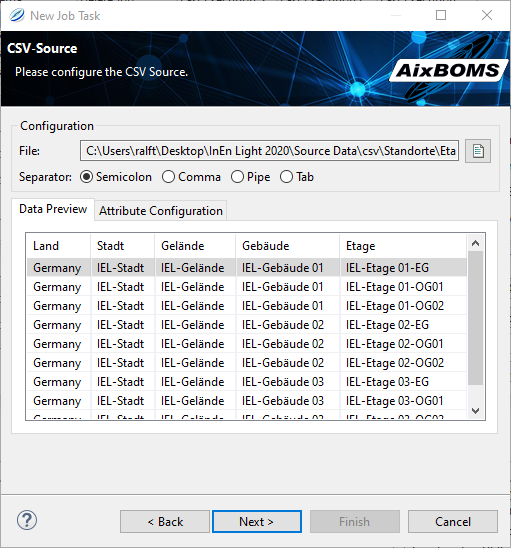
Integration Engine Light: General User Interface


When developing this light version, we aimed for simple usability and immediate applicability for standard situations. This is evident, on the one hand, in the support of common data formats, and on the other hand, some loading configurations are already included, allowing for the integration of well-known data providers. These can be supplemented by the customer's own. They form the basis for the loading processes (jobs) that are executed manually or time-controlled on various occasions.


It really doesn't get any simpler.

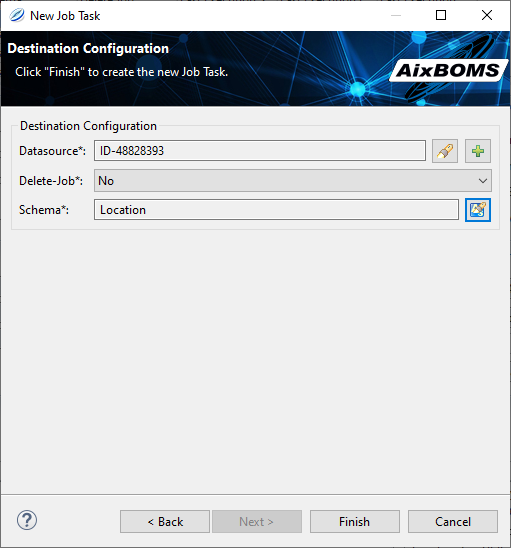
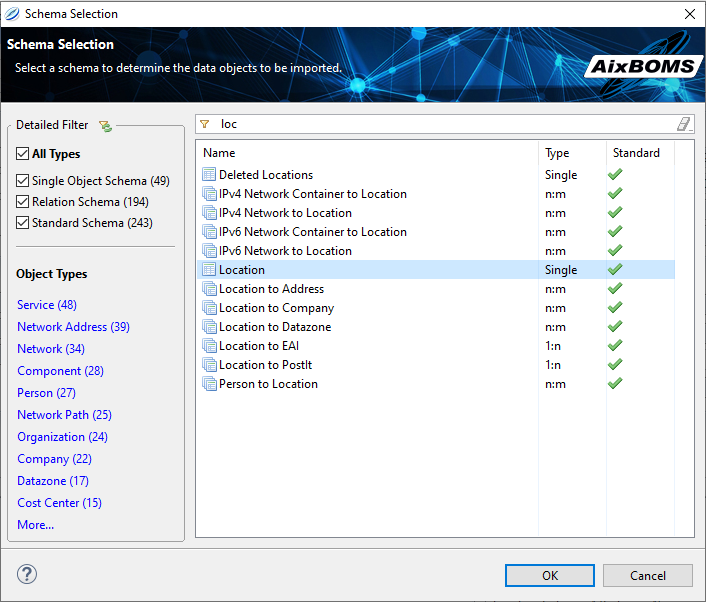
Our „New Load Configuration“ wizard will guide you through the entire configuration process. After assigning a new project name, you will determine the format and structure of your input data. Then, the necessary information for the target system will be requested. This includes the schema that contains the objects in your database that you wish to describe with the input data.


Integration Engine Light: Job Source Type Definition


Integration Engine Light: Job Source Content


Now that you have also assigned the source data to the target objects via the mapping menu, the load configuration is complete.


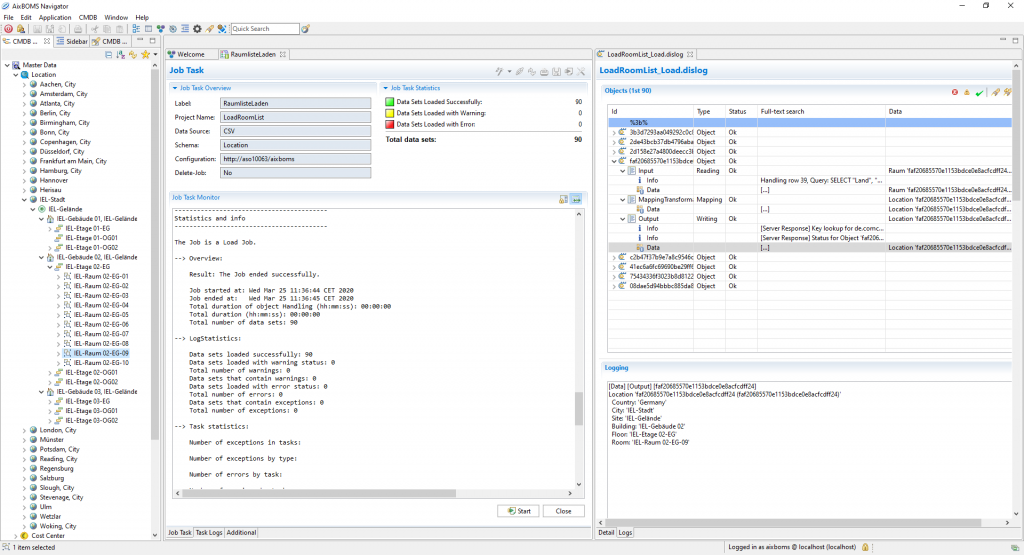
It is stored in the AixBOMS CMDB and can be used directly to start the load job. However, it can also be kept there for later use cases and/or provided with a time control for regular application. The log files of the load processes are also stored in the database and can be retrieved from there for control purposes.


Integration Engine Light: Job Server Definition


Integration Engine Light: Schema Selection


You might also be interested in this

The Integration Engine Light is fully integrated into the AixBOMS Navigator. Customers who already use our SLI solution for data import can import their existing SLI projects into the Light version and then also manage them via the AixBOMS Navigator. The load configuration and log files of all import processes are stored in the AixBOMS database.


They can be imported and exported and also executed by other users via the navigators, provided they have the appropriate rights. In addition to time control, other options (preferences) can influence the execution of the import. This includes, for example, regulating whether a database object is created if it does not yet exist, in order to be able to assign its import data. The results of such checks are also logged. Problematic records can be corrected and reloaded via the delta file.


Integration Engine Light: Logging Information


Highlights


  • Simple integration solution in AixBOMS Navigator
  • Wizard-driven data selection and mapping
  • Preconfigured charging scenarios for standard tasks
  • Reusable job definitions and control options
  • Integration of projects from our previous SLI solution